How to Replace Furniture in a Photo with AI
Every furniture purchase is a bet: will that sofa actually work in your room, with your light, next to your rug? Instead of finding out on delivery day, you can replace furniture in a photo of your room with AI and see the answer before you spend anything.
Why preview furniture in your own room?
Showrooms and product photos are staged in spaces nothing like yours. Interior AI replaces furniture inside your actual room photo with realistic AI-rendered pieces — scaled to your space, lit by your light. You can select specific furniture assets and build a cohesive layout, which is exactly the judgment call that's impossible to make from a product listing.
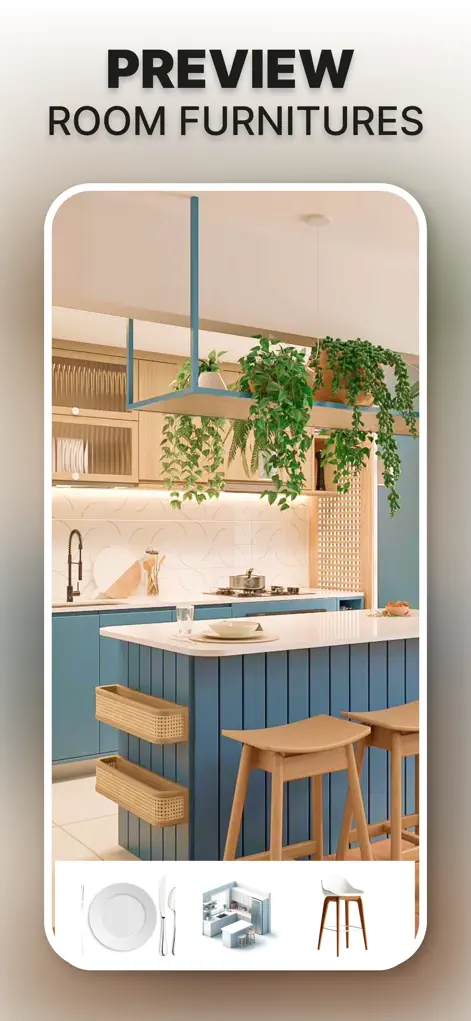
Step-by-Step: How to Replace Furniture in a Photo with AI
- Photograph the room as it is. Include the furniture you're thinking of replacing and the space around it.
- Select what to swap. Choose the sofa, bed, table, or decor to replace, then browse furniture options within the app.
- Generate the swap. The AI renders the new piece into your room realistically — correct scale, perspective, and lighting.
- Iterate to a full layout. Swap complementary pieces until the whole arrangement works, then save the design as your shopping reference.
Try It on Your Own Space
Interior AI: Home Makeover GPT is free to download on the App Store. Redesign your first room in under a minute.
⬇ Download Interior AIFrequently Asked Questions
Does the replaced furniture look realistic?
Yes — pieces are rendered with correct scale, perspective, and lighting for your specific room photo.
Can I try several sofas in the same spot?
Yes, generate as many variations as you like and compare them side by side.
Can I remove furniture to see the room emptier?
You can redesign toward sparser layouts — useful for decluttering decisions and for staging.