✦ AI Interior Design App for iPhone

Redesign Any Room From One Photo

Interior AI turns a photo of your room into ultra-realistic makeover ideas — new walls, floors, furniture, and styles — in seconds. Preview your renovation before spending a dollar.

Free to download Seconds per design Ultra-real results Interior + exterior & garden
Interior AI app showing an AI room redesign preview on iPhone
Features

Your Whole Home, Reimagined by AI

Every room, every surface, every style — inside and out.

🛋️

Instant Room Redesign

Upload a photo of any living room, bedroom, kitchen, or bathroom and get realistic AI interior design ideas in seconds — same room, new look.

🎨

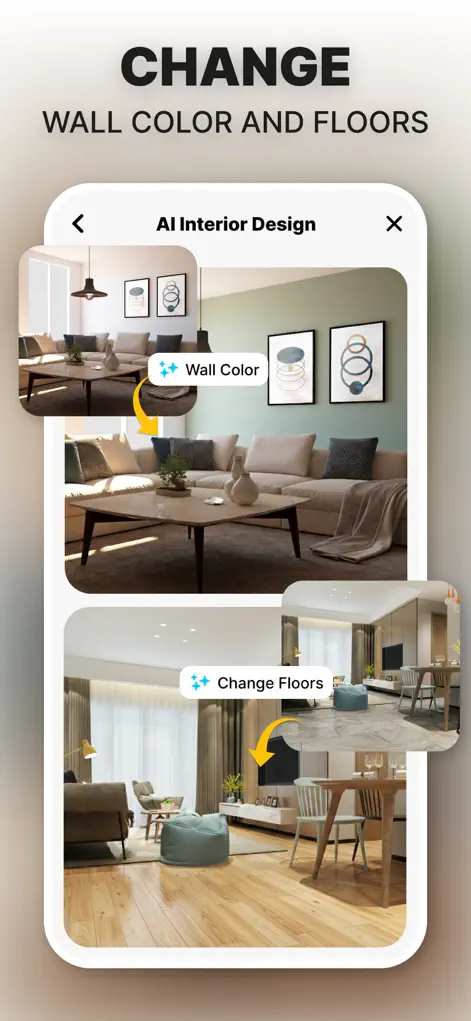
Walls, Floors & Colors

Change wall colors, flooring, and finishes with precision surface editing. Test paint colors on your actual walls before you buy a can.

🪑

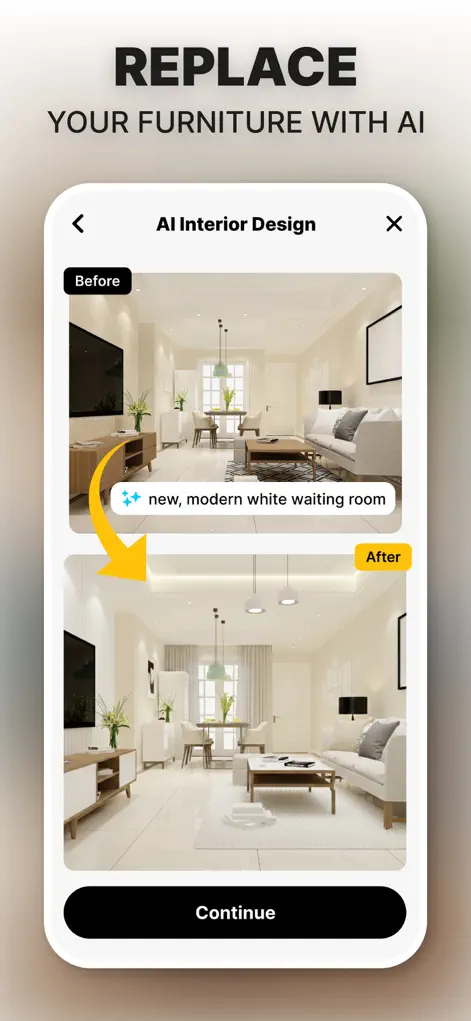
Furniture Replacement

Swap sofas, beds, tables, and decor with realistic AI results. Select specific furniture assets to build a cohesive layout.

Design Style Library

Try modern, minimalist, luxury, boho, coastal, and more — or feed the AI a reference photo of a look you love and apply it to your room.

🏡

Exterior & Garden Design

Redesign house exteriors and generate garden and backyard makeovers for full curb-appeal planning from single photos.

📐

Remodel Planning

Preview full renovation ideas photorealistically before committing budget — then save and share designs with family or contractors.

Screenshots

See the App in Action

Real screens from Interior AI: Home Makeover GPT on the App Store.

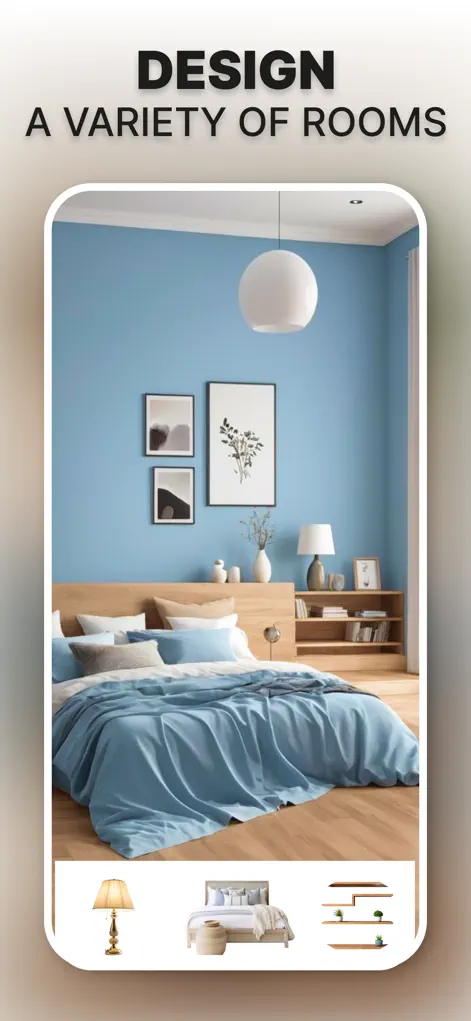
AI interior visualization of a room makeover in the Interior AI app
Smart interior visualization
Customizing a room design with AI style options
Versatile room customization
Selecting furniture assets to replace furniture in a room photo
Furniture asset selection
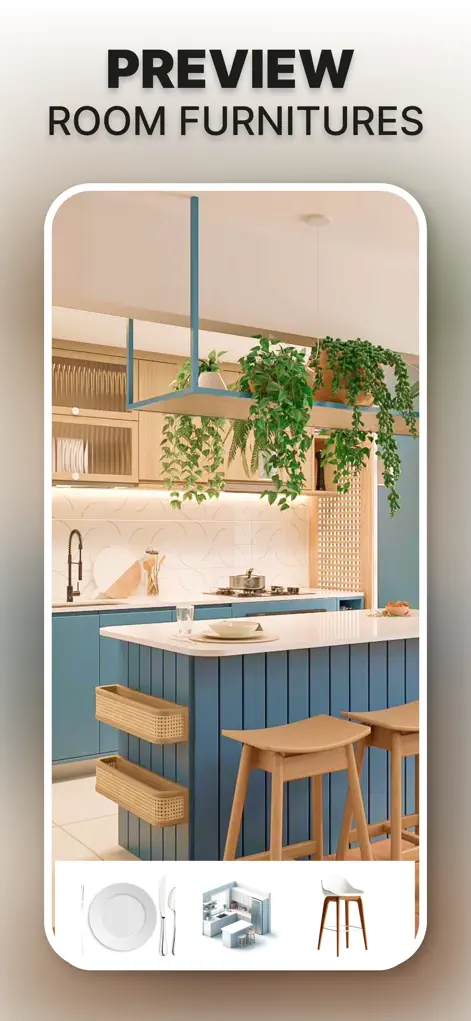
Kitchen remodel visualizer previewing a new kitchen design with AI
Kitchen redesign preview
Swapping kitchen island layout and lighting in an AI kitchen redesign
Kitchen island & lighting swap
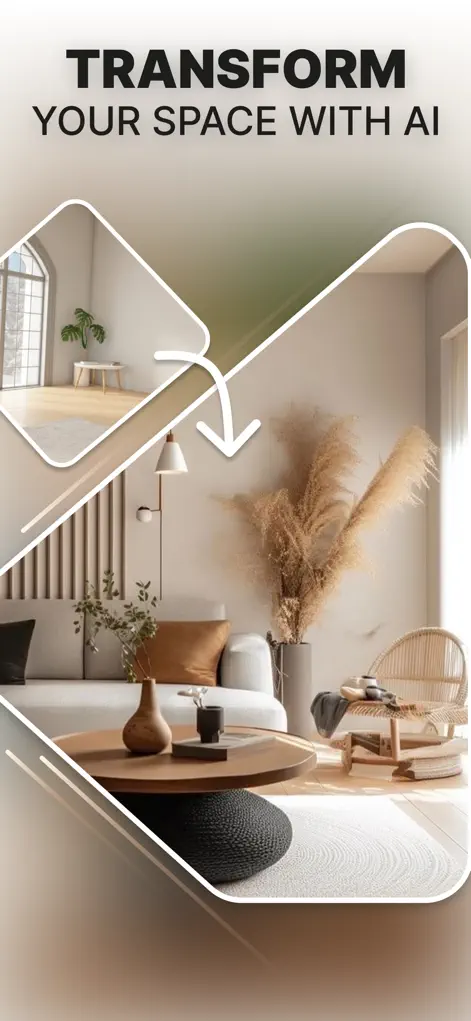
Seamless AI style transformation of a living space
Seamless style transformation
Before and after of a modern AI living room makeover
Before / after living area
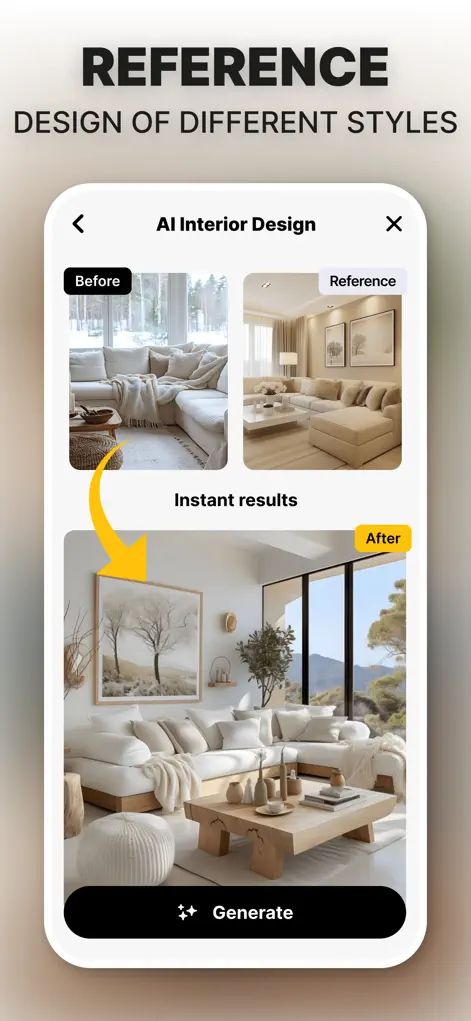
Using a style reference image to guide the AI interior design
Style reference integration
How It Works

From Photo to Makeover in 3 Steps

No design skills, no designer fees — the AI does the visualizing.

1

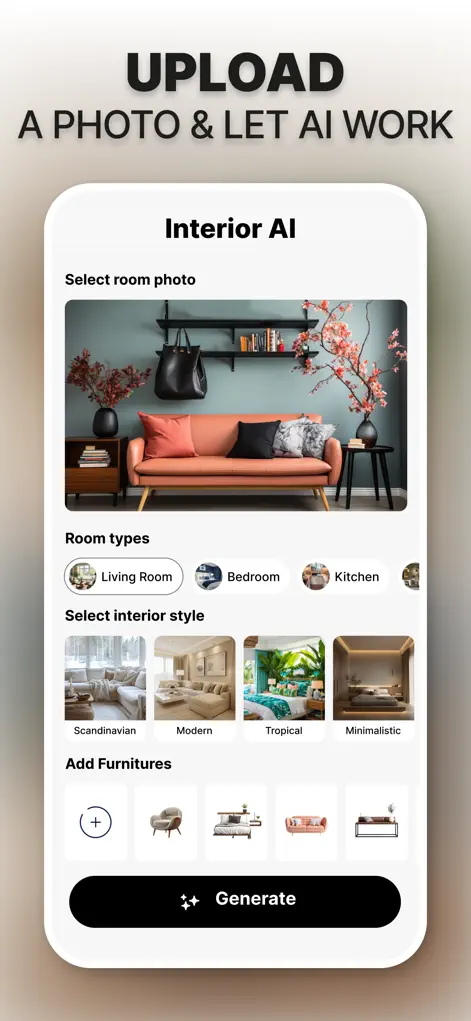
Snap your room

Take a photo of any room, exterior, or garden — or pick one from your camera roll. Good lighting and a wide angle give the best results.

2

Pick a style or reference

Choose modern, minimalist, luxury, boho, coastal, and more — or upload a reference photo of a look you love to guide the AI.

3

Preview, save & share

Get an ultra-realistic redesign of your exact space in seconds. Generate variations, save your favorites, and share them with family or contractors.

Guides

What Can You Redesign with Interior AI?

Step-by-step guides for the most popular home makeover projects.

FAQ

Frequently Asked Questions

How does AI room design from a photo work?
Take or upload a photo of your room, pick a design style, and the AI generates an ultra-realistic redesign of that exact room in seconds — same layout and dimensions, new look. Learn More →
Can I redesign my bedroom with AI?
Yes. Upload a bedroom photo and Interior AI generates complete makeover ideas — new furniture, colors, lighting, and decor — in styles from minimalist to luxury. Learn More →
Can I preview a kitchen remodel before doing it?
Yes. Photograph your kitchen and preview new cabinets, islands, lighting, and finishes photorealistically before committing any budget. Learn More →
Can I see a different wall color on my walls?
Yes. Interior AI changes wall colors, flooring, and finishes in your room photo, so you can test paint colors with your real lighting before buying. Learn More →
Can AI replace the furniture in my room photo?
Yes. Swap sofas, tables, beds, and decor with realistic AI-generated alternatives, selecting specific furniture assets for a cohesive layout. Learn More →
Can I use Interior AI for real estate virtual staging?
Yes. Photograph an empty or dated room and generate professionally staged versions for your listings — virtual staging straight from your phone. Learn More →
What design styles can I try?
Modern, minimalist, luxury, boho, coastal, and more — or show the AI a reference photo of a look you love and it applies that direction to your room. Learn More →
Can Interior AI redesign house exteriors?
Yes. The app redesigns exteriors and facades, so you can preview new siding, paint, and curb-appeal upgrades from one photo. Learn More →
Can it design gardens and backyards?
Yes. Interior AI generates garden and backyard makeovers — landscaping, layouts, and outdoor styles from a single photo. Learn More →
Is Interior AI free?
Free to download on the App Store; design generation requires a premium subscription. Every design can be saved and shared. Learn More →

See Your Dream Home Before You Build It

Download Interior AI: Home Makeover GPT free on the App Store and redesign your first room in under a minute.

⬇ Download on the App Store