How to Preview a Kitchen Remodel Before You Build
A kitchen remodel is the most expensive design decision most homeowners ever make — and traditionally you don't see the result until the money is spent. A kitchen remodel visualizer flips that: photograph your kitchen today and see photorealistic versions of the remodeled kitchen before you commit to a single cabinet.
Why visualize before you renovate?
Remodel regret is common and expensive: finishes that looked great in the showroom clash at home, islands that crowd the walkway, lighting that fights the room. Because Interior AI renders changes onto your actual kitchen — your dimensions, your light, your sight lines — it catches those mismatches while they're still free to fix.
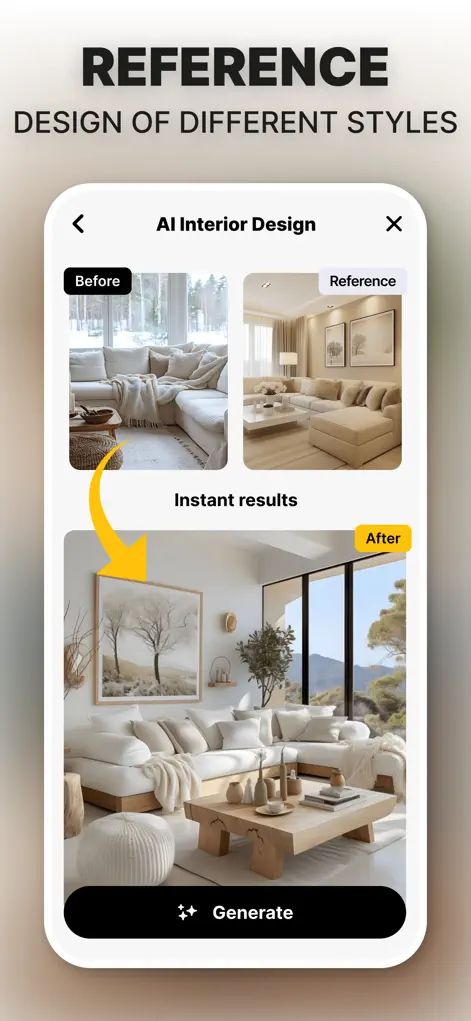
Step-by-Step: How to Preview a Kitchen Remodel Before You Build
- Photograph your kitchen. Capture the main run of cabinets and the island (if any) in one wide, well-lit shot.
- Generate remodel concepts. Try different directions: modern flat-panel, warm luxury, coastal brightness. Watch how cabinets, counters, and lighting change together.
- Swap the big-ticket items. Iterate on the choices that drive cost — island layouts, cabinet colors, decorative lighting — and compare versions side by side.
- Share with your contractor. Save the designs that work and use them to communicate exactly what you want, before quotes are written.
Try It on Your Own Space
Interior AI: Home Makeover GPT is free to download on the App Store. Redesign your first room in under a minute.
⬇ Download Interior AIFrequently Asked Questions
Can I see different cabinet colors on my actual kitchen?
Yes — the AI re-renders your kitchen with new cabinet styles and colors while keeping your layout and lighting.
Can it change the island or lighting specifically?
Yes, you can swap island layouts and decorative lighting and compare the results instantly.
Is this accurate enough to plan a real remodel?
It's a visualization tool, not a blueprint — but it's ideal for deciding style, color, and layout direction before you pay for design work.