How to Redesign Your Bedroom with AI
Your bedroom is the room you see first and last every day — and the one that most often gets stuck in a decade-old look. If you know it needs a change but can't picture what kind, an AI bedroom redesign shows you finished, realistic options built from a single photo of the room you already have.
Why bedrooms are the perfect AI makeover project
Bedrooms are contained: one bed, a limited palette, a handful of furniture pieces. That makes them ideal for AI redesign — small changes (bedding, wall color, lighting, a new headboard) produce dramatic before/afters. Interior AI lets you test all of it virtually: cozy minimalist, warm boho, hotel-style luxury — before you move a single piece of furniture.
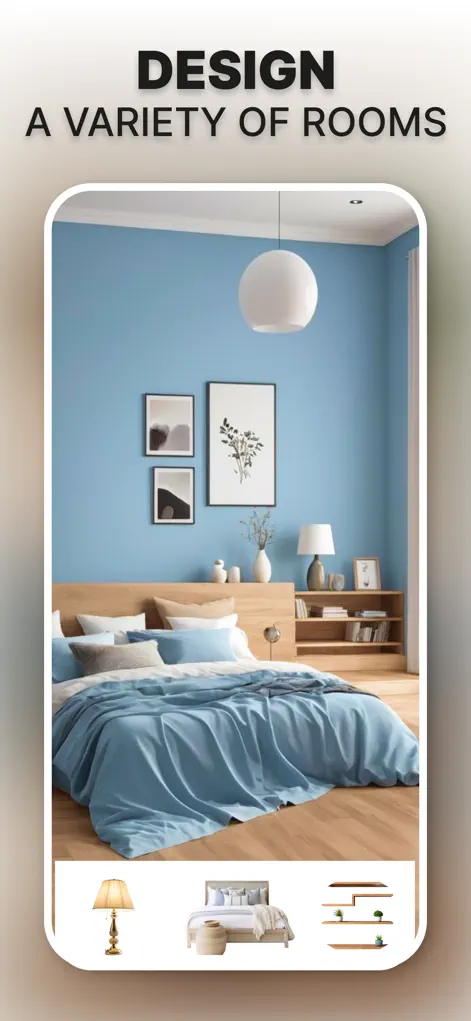
Step-by-Step: How to Redesign Your Bedroom with AI
- Photograph your bedroom. Stand in the doorway or a corner and capture the bed, main wall, and window in one wide shot.
- Try opposing styles first. Generate a minimalist version and a warm boho or luxury version. Extremes reveal what you're actually drawn to faster than subtle variations.
- Refine the winner. Once a direction clicks, iterate: adjust wall color, swap the furniture set, change flooring or lighting until it feels like you.
- Save your makeover plan. Export your favorite designs and use them as the shopping list and reference for the real makeover.
Try It on Your Own Space
Interior AI: Home Makeover GPT is free to download on the App Store. Redesign your first room in under a minute.
⬇ Download Interior AIFrequently Asked Questions
Can the AI redesign around my existing bed?
You can generate full redesigns or keep the layout recognizable — the AI preserves your room's structure, and you can iterate toward designs that keep key pieces.
What bedroom styles can I try?
Modern, minimalist, luxury, boho, coastal, and more — plus any direction you show it via a reference photo.
Will the result look realistic enough to base purchases on?
Yes — results are ultra-realistic renders of your actual room, which is exactly what makes them useful for planning real changes.