How to Try Interior Design Styles on Your Own Room
"What's your style?" is the hardest question in decorating — because words like boho or minimalist mean nothing until you see them on your room. An AI style try-on ends the guessing: one photo of your space, rendered in every major design style, side by side.
Why seeing styles on YOUR room changes the decision
A style that photographs beautifully in a magazine loft can fall flat in a small square bedroom. Interior AI applies each style — modern, minimalist, luxury, boho, coastal, and more — to your room's actual proportions and light. Even better, its style reference integration lets you upload any photo of a room you love and apply that specific look to your space.
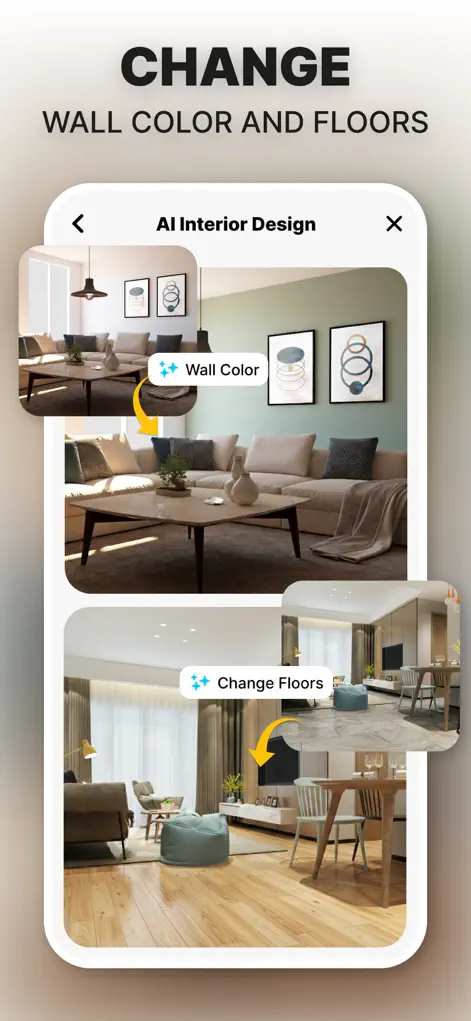
Step-by-Step: How to Try Interior Design Styles on Your Own Room
- Upload one good photo of your room. This single photo becomes the canvas for every style test.
- Run the style gauntlet. Generate your room in each major style. Seconds per style means you can try them all in one sitting.
- Use a reference photo for precision. Found a specific room on Pinterest or Instagram you adore? Add it as a style reference and the AI applies that exact direction to your room.
- Shortlist and refine. Keep the two or three styles that stop your scroll, then iterate on colors and furniture within your favorite.
Try It on Your Own Space
Interior AI: Home Makeover GPT is free to download on the App Store. Redesign your first room in under a minute.
⬇ Download Interior AIFrequently Asked Questions
Which design styles are included?
Modern, minimalist, luxury, boho, coastal, and more — plus unlimited custom directions via reference photos.
What is style reference integration?
You provide a photo of any interior you love alongside your room photo, and the AI uses it to guide the redesign of your space.
Can I mix styles?
Yes — iterate from one style's result toward another, or use a reference image that already blends the two.